

Appearance and layout
Choose your theme, default task view, compact mode, and whether the sidebar starts open or closed. You can also change the language and calendar preferences available on this page.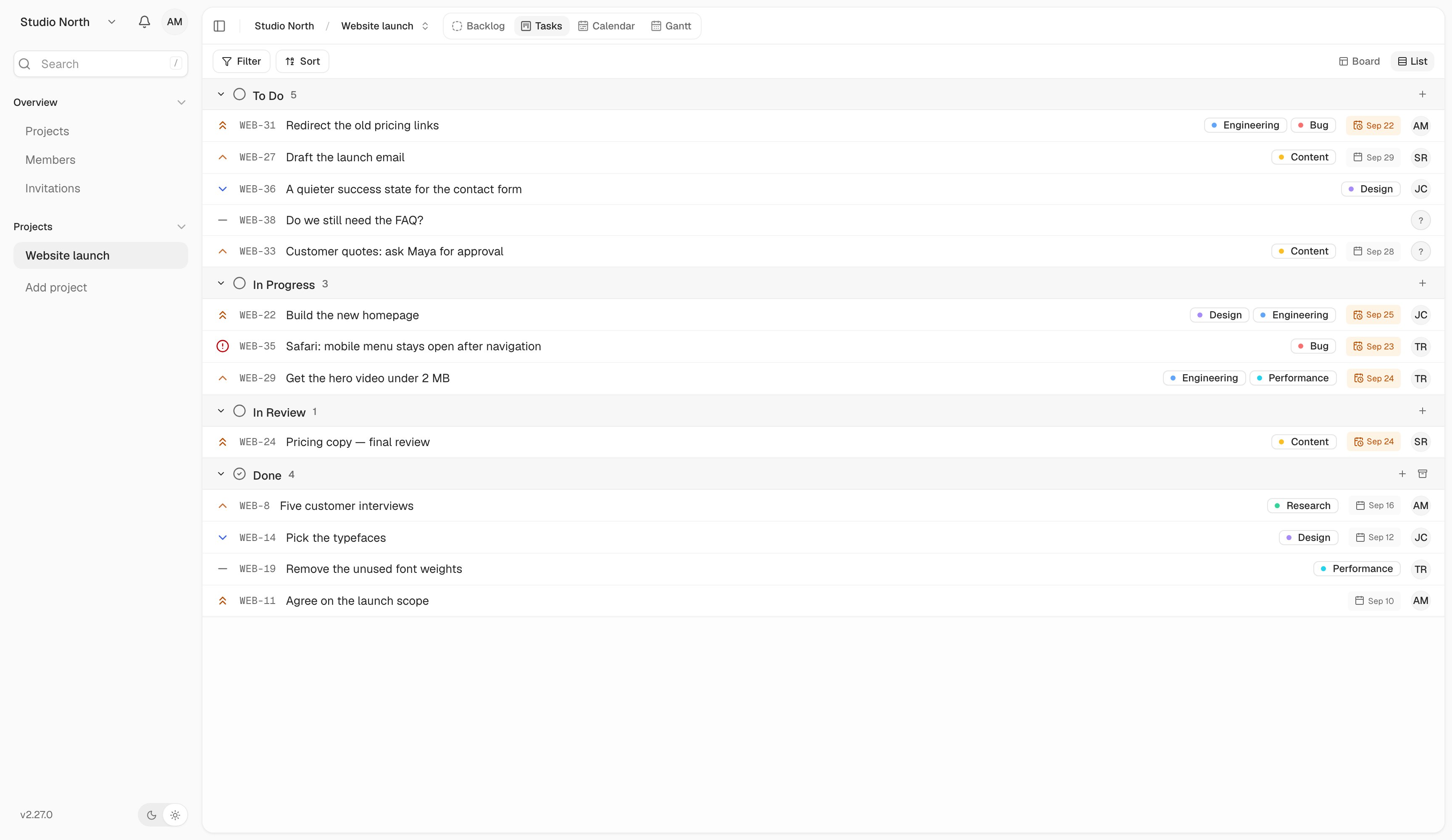
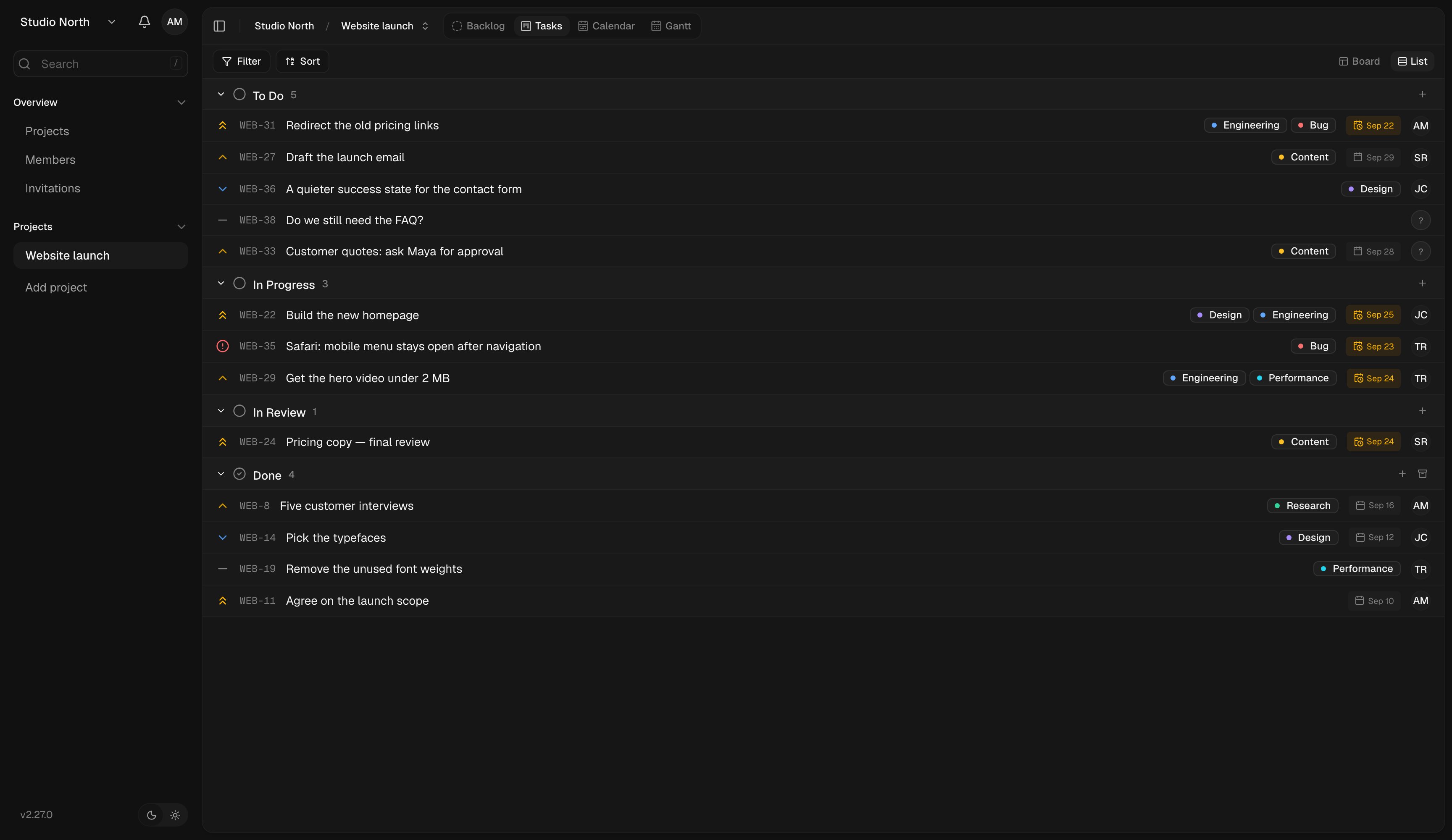
List view is useful when you prefer to scan work in rows.
Task details in views
Choose whether to show task numbers, assignees, dates, labels, and priority indicators. Hiding a field changes its display, not the data on the task. You can also change these from Display in any project. Use Reset to return preferences to their defaults.Team settings
Shared settings live elsewhere:- Workspace labels organize work for everyone.
- Project workflows define status columns.
- Members and roles control access.
- Notifications control the updates you receive.