

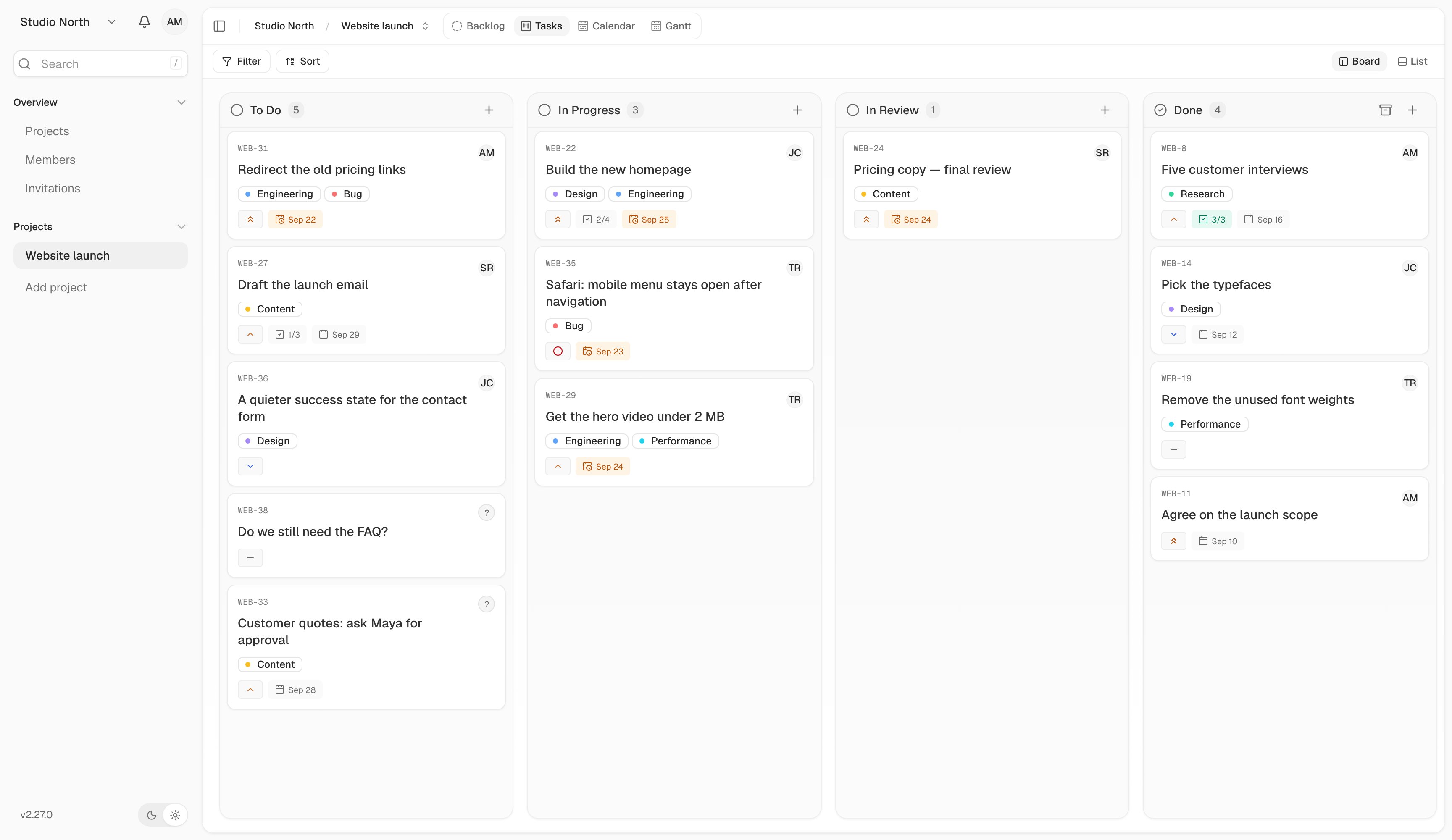
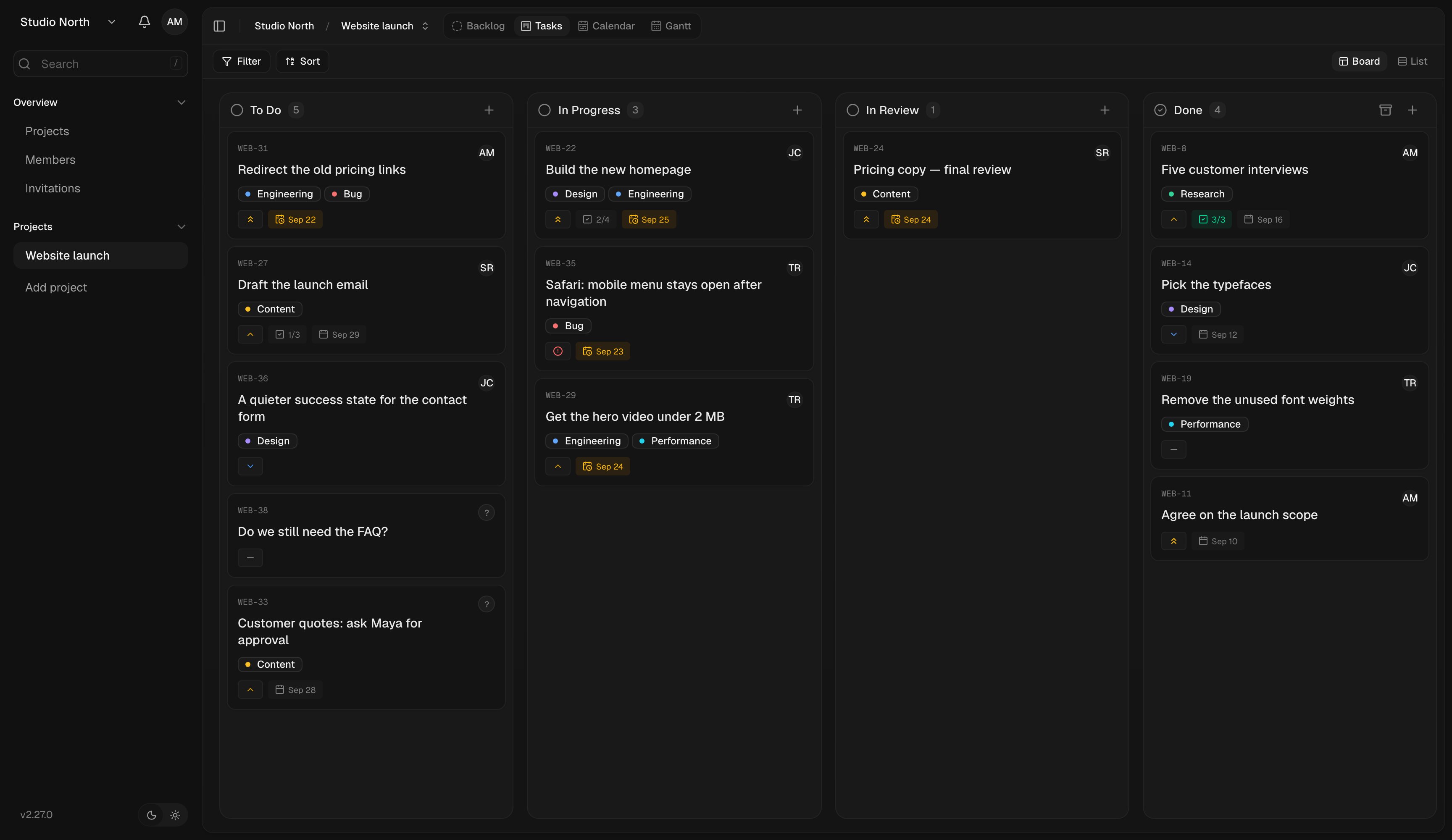
A website launch in Board view. Each column shows a stage of the work.
Your first project
Create a workspace, invite a teammate, and finish your first task.
Run your own instance
Install Kaneo with Docker Compose, drim, or your hosting platform.
Connect your tools
Sync repositories, send project updates, and connect an AI assistant.
Build with the API
Make your first request and explore the endpoint reference.
How Kaneo is organized
A workspace holds your team, projects, and shared labels. A project holds a body of work, such as a website launch. A task is one piece of that work, with its own status, assignee, description, and conversation. If someone invited you, open their invitation link and sign in with the email address they invited. You can join their workspace without creating a new one.Looking for something specific?
- Board and List: create, find, and update tasks.
- Members and roles: invite people and manage access.
- Backups and recovery: protect a self-hosted installation.
- Troubleshooting: work through common setup problems.